
Pako Light
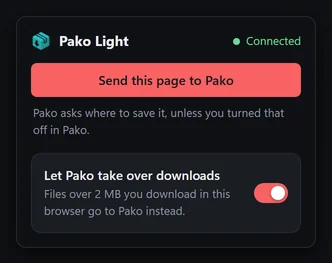
Sends your browser's downloads, a link, or all the links on a page to Pako, in one click.
On the Chrome Web Store soon.

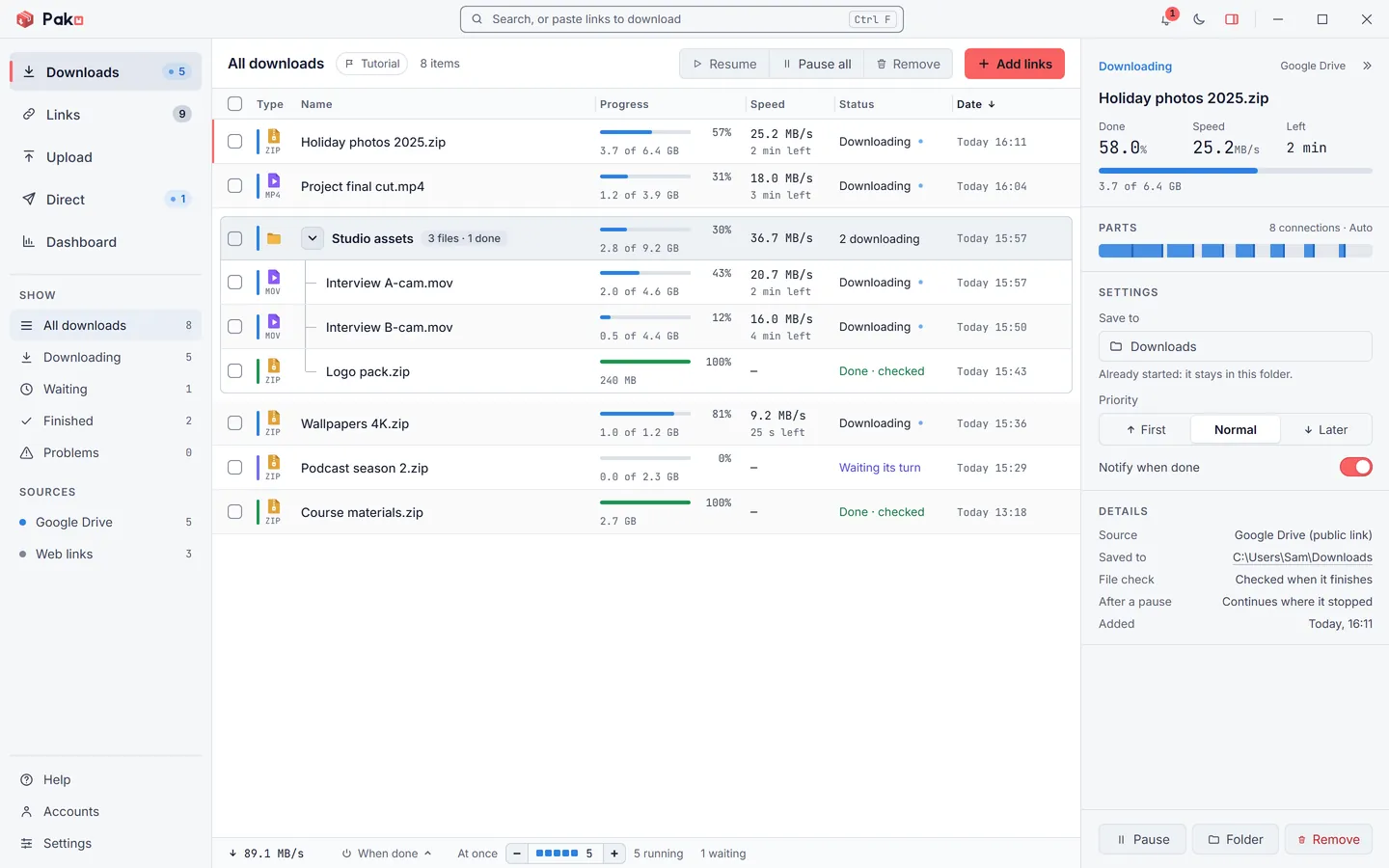
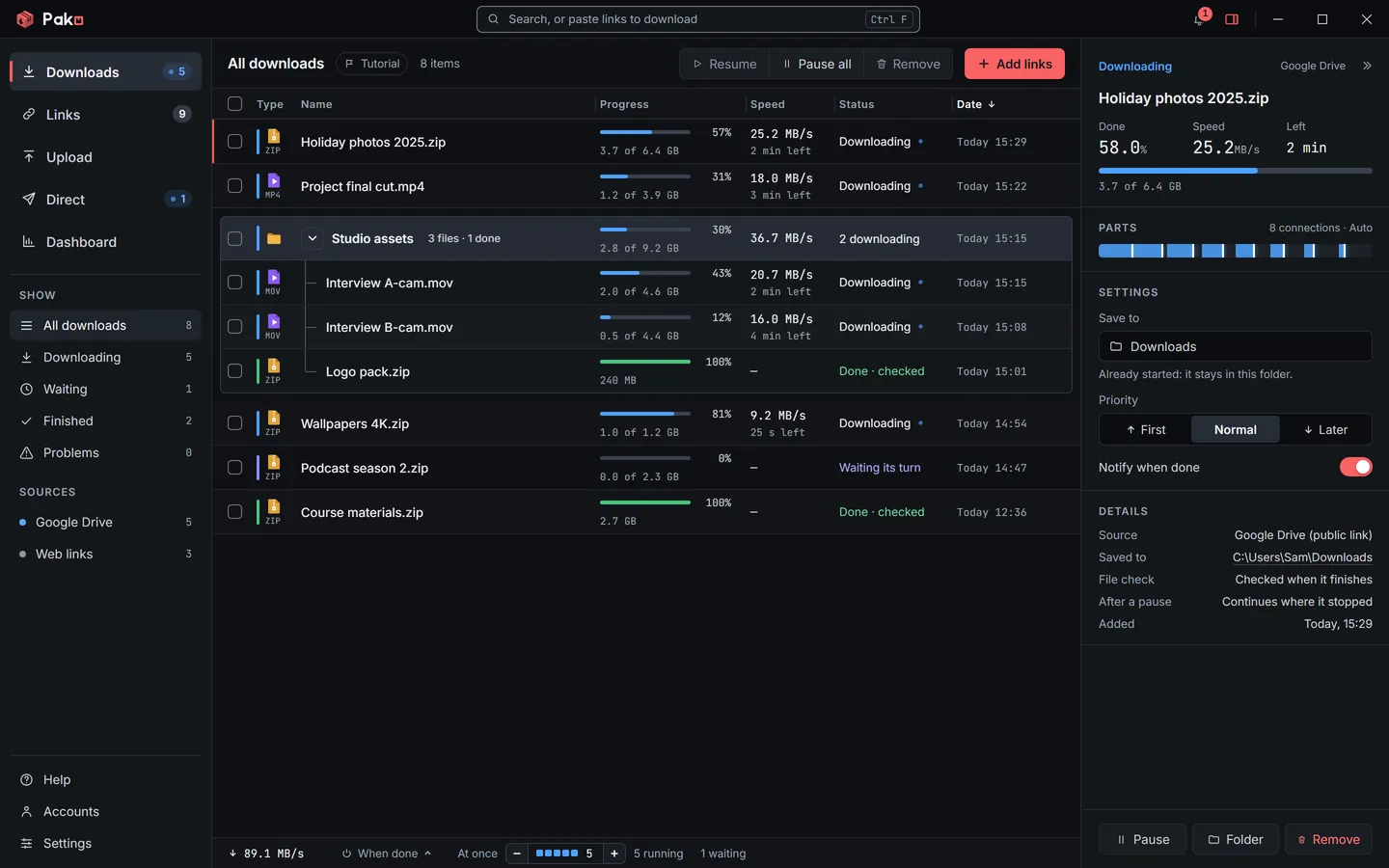
Share big files with a link, send them straight to another PC, and download fast, picking up where it stopped.
Version 1.0.0 · Free · Windows 10 and 11
The first time, Windows may say it protected your PC: choose More info, then Run anyway.
Pako is for Windows PCs
Open this page on your PC to download it.
Share
Drop files or whole folders. Pako uploads them, copies the link for you, and anyone can download them in their browser.
Uploads go to Gofile, with no account, or to your own Google Drive, in a folder called “Pako uploads”.
Read the guide
Direct
From your Pako to theirs, PC to PC, encrypted. Nothing is uploaded or stored anywhere in between.
Both Pakos need to be open at the same time.
Read the guide
Download
Pako downloads each file in several parts at once, and adds more while it helps, so big files finish sooner.

Also in Pako
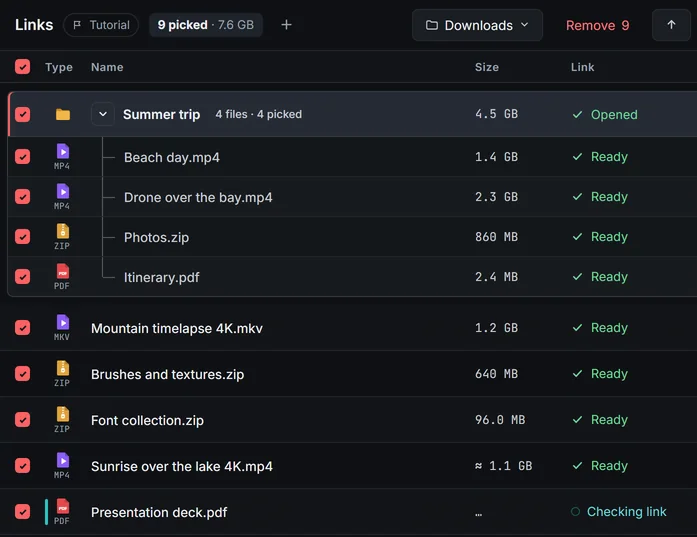
Paste links or a shared Drive folder. Pako checks each file (name, size, whether it works), then you tick what to download.
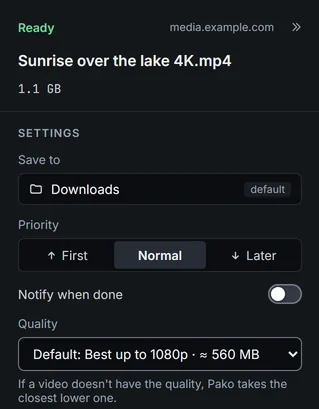
Paste a video or playlist link from YouTube or another site, and pick the quality or Audio only.
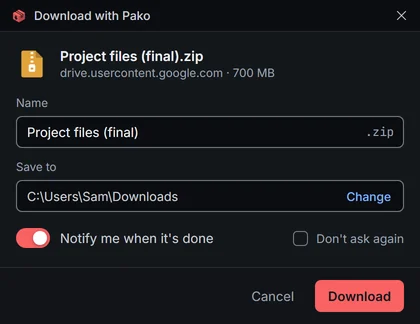
Downloads from your browser can ask for the name and the folder first.
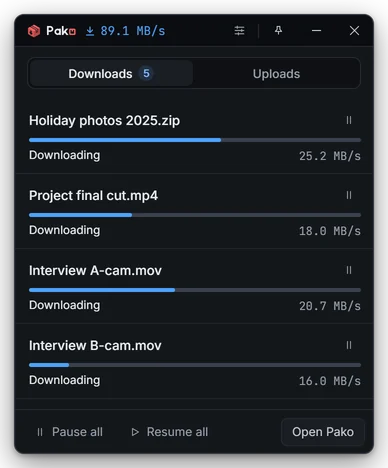
One click on the tray icon shows what's downloading or uploading, without opening Pako.
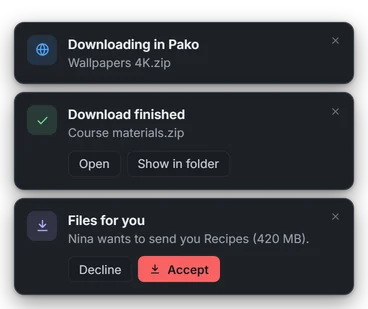
Finished downloads and files sent to you, kept quiet during games and presentations.
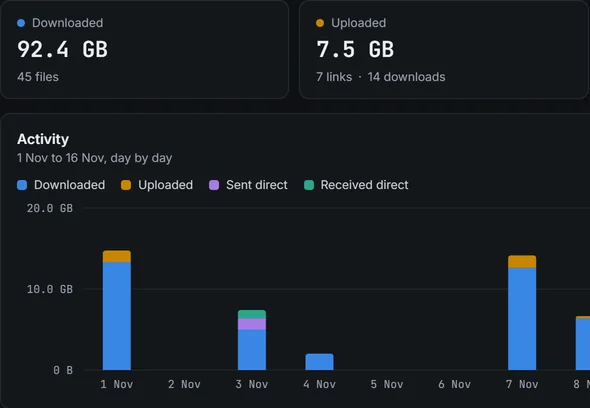
What you downloaded, shared and sent, and your speeds. They never leave your PC.
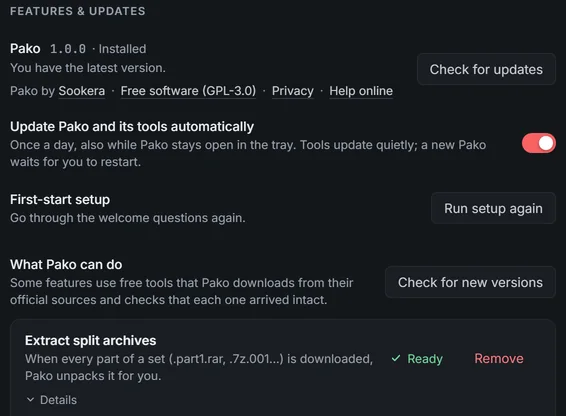
Pako looks for a new version once a day and accepts only one signed by Sookera. Its tools update quietly too.
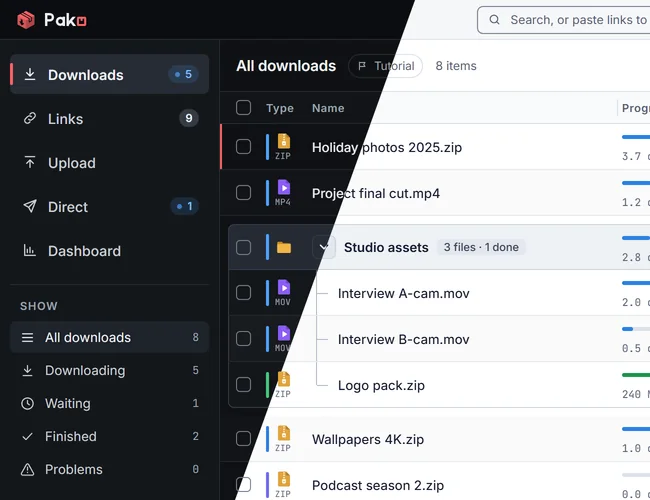
Switch with one click at the top of the window, or pick Match Windows to follow your Windows setting.
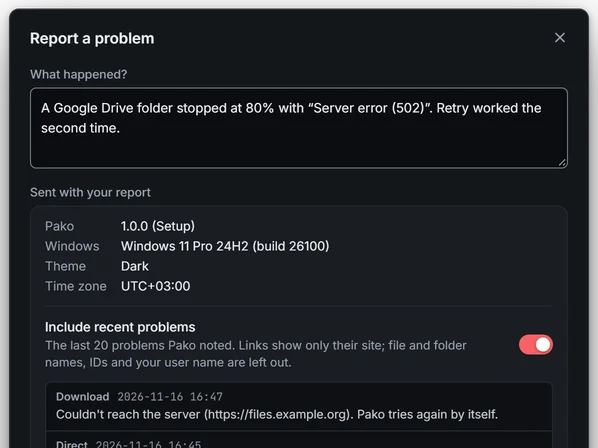
Write what happened and click Send report. You see what goes with it first, and get a reference to follow up with.
In your browser
Two extensions: a light one from the Chrome Web Store, and the full one that comes with Pako.
Sends your browser's downloads, a link, or all the links on a page to Pako, in one click.
On the Chrome Web Store soon.
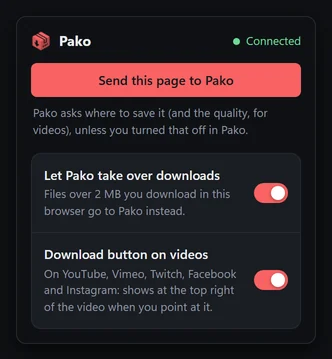
Comes with Pako: everything Pako Light does, plus a Download button on video players. Add it from Settings › Browser extension.
What's new in 1.0.0
Help
Every part of Pako, explained with the names you see in the window.